
Application telemetry + AI Agents
Production eyes for coding agents
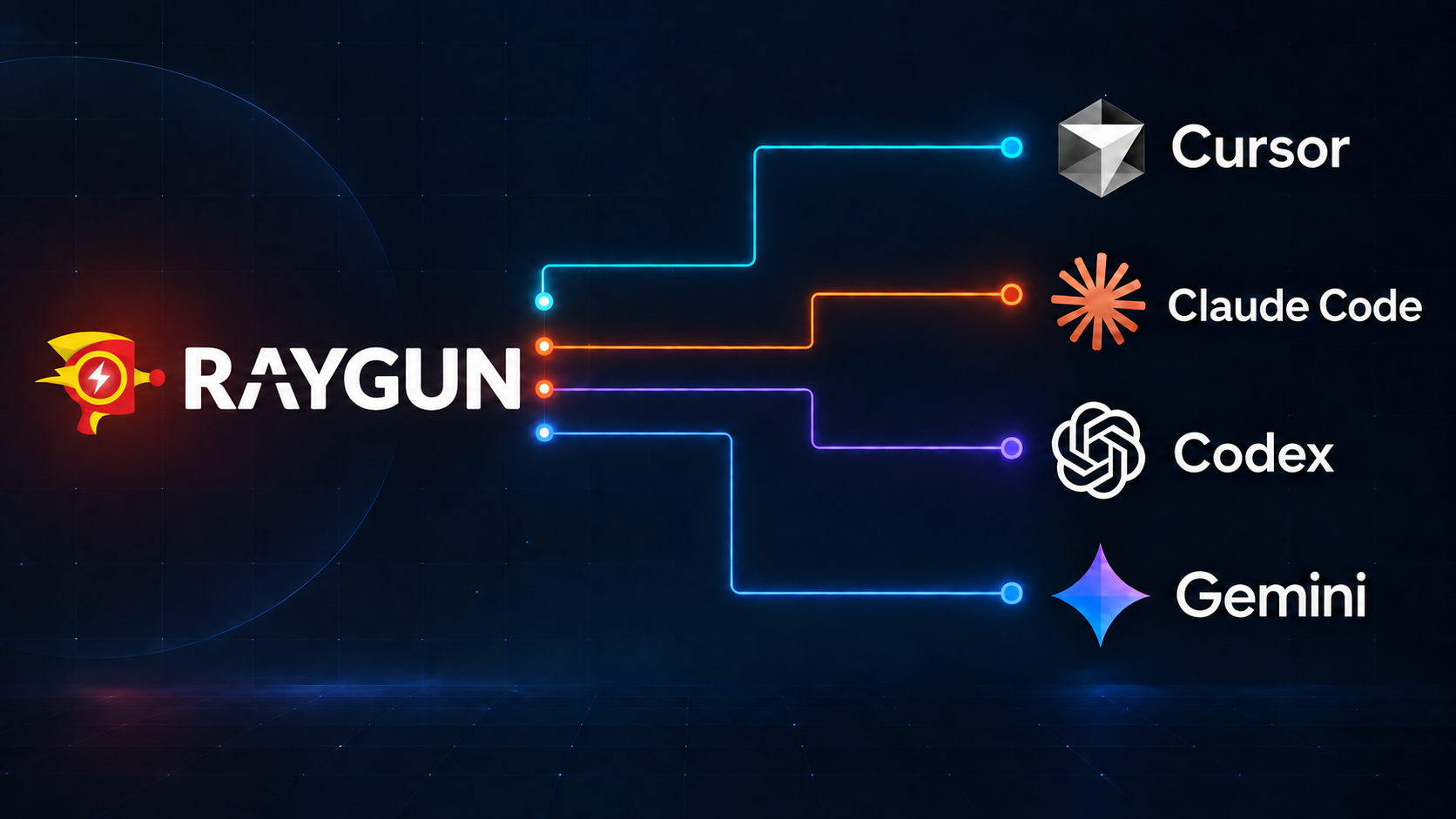
Reliable software requires instrumentation. Raygun gives coding agents the telemetry to find, understand, and fix issues to keep your customers satisfied.
Install
Remote MCP endpointhttps://api.raygun.com/v3/mcp
What your coding agent gets
Raygun provides the tools that AI agents need to improve production software
Raygun is the observability source of truth. Crash Reporting, RUM, and APM become more powerful when a coding agent can query them together. Raygun MCP allows them to resolve incidents, fix issues and improve performance for your customers.
Crash Reporting
Agent-ready errors with stack traces, grouping, affected users, breadcrumbs, custom data, deployment correlation, and ownership context.
Real User Monitoring
Session-level evidence for browser, device, timing, geography, route, user journey, and Core Web Vitals impact.
Application Performance Monitoring
Trace and dependency context that helps agents distinguish backend bottlenecks from client-side symptoms.
With vs without
Why AI agents need live Raygun context
Raygun gives coding agents awareness of the issues affecting production and the evidence needed to pinpoint their cause.
An issue is reported without enough production context to diagnose it
Agent pulls the live error group, stack trace, and affected users
Customer and session impact are unclear while deciding what to fix
Session and customer impact are available for the fix plan and PR summary
The cause remains disconnected from the release and user journey
Deploy correlation and breadcrumbs pinpoint the path to the cause
Investigation loop
From alert to reviewed fix
- 01Scope
Pass an error URL, deploy version, customer, or route.
- 02Evidence
Raygun MCP returns stacks, sessions, deploys, and impact.
- 03Patch
AI agent proposes the smallest fix with a regression test.
- 04Review
Humans approve a PR that cites Raygun, not guesswork.
Use the Raygun MCP to investigate error group [error group URL].

1. Summarize the stack trace, last seen, frequency, and affected users.
2. Correlate the group with relevant deployments and inspect a representative error instance.
3. Keep in mind that the cause of the error might not be where the error was thrown. Look back through the code to see if it's a case of a faulty value being passed through, or data being put into a bad state somewhere else entirely.
4. Before making a fix, write a test that reproduces the cause of the issue and confirm that it fails.
5. Propose the smallest code change that fixes the bug and passes the test.
Resources
Resources for engineers
Set up Raygun MCP in Cursor and Codex
The practical install path for connecting Raygun's remote MCP server to agentic coding tools.
Read the setup guide →BlogTransform your workflow with Raygun's remote MCP
How remote MCP changes agent debugging by giving assistants live Raygun production context.
Read the workflow post →Referencemcp-server-raygun on GitHub
Official repository for the Raygun remote MCP server, client snippets, and tool inventory.
Open GitHub repo →Production eyes for coding agents
Give your agent production context today
Start a free Raygun trial, configure software telemetry, create a Personal Access Token, and connect the remote MCP server to your coding agent.